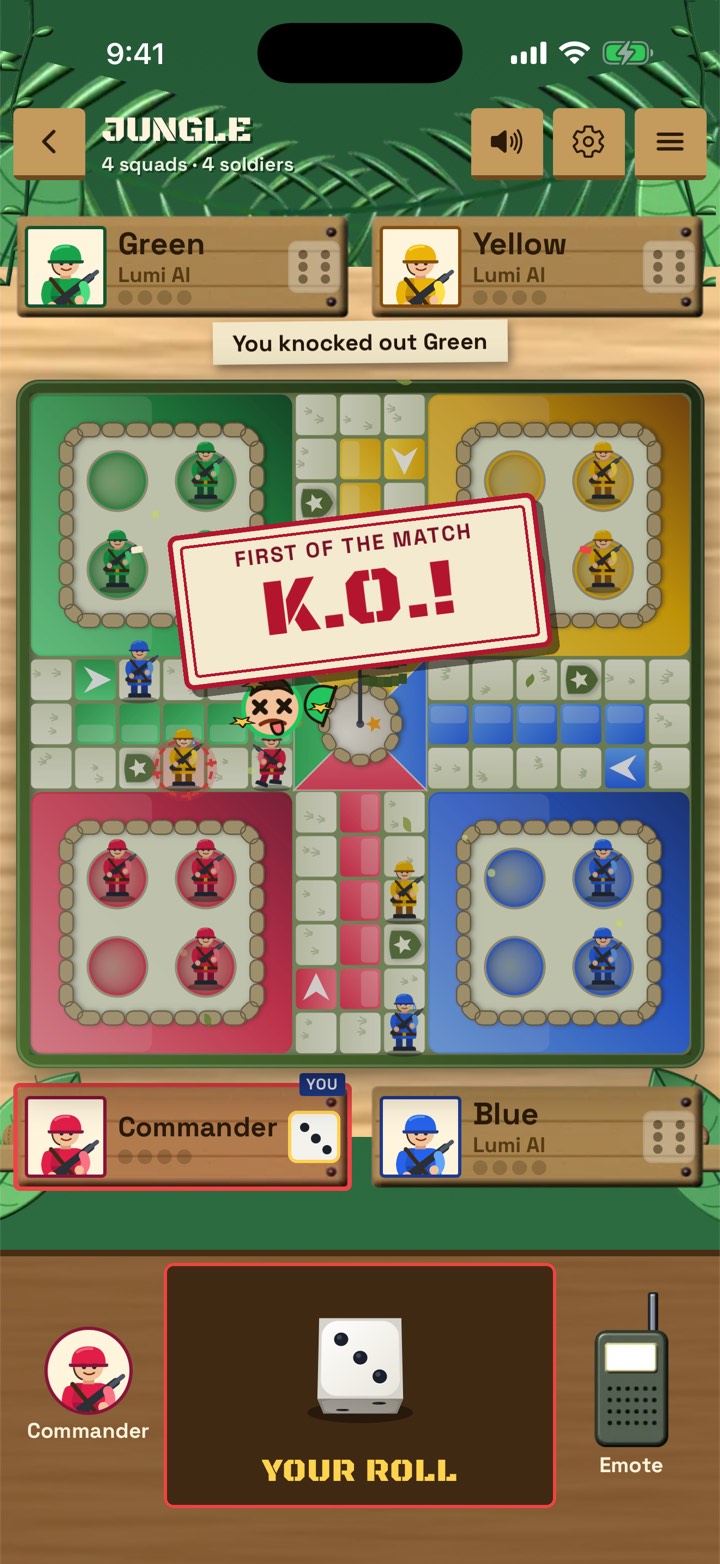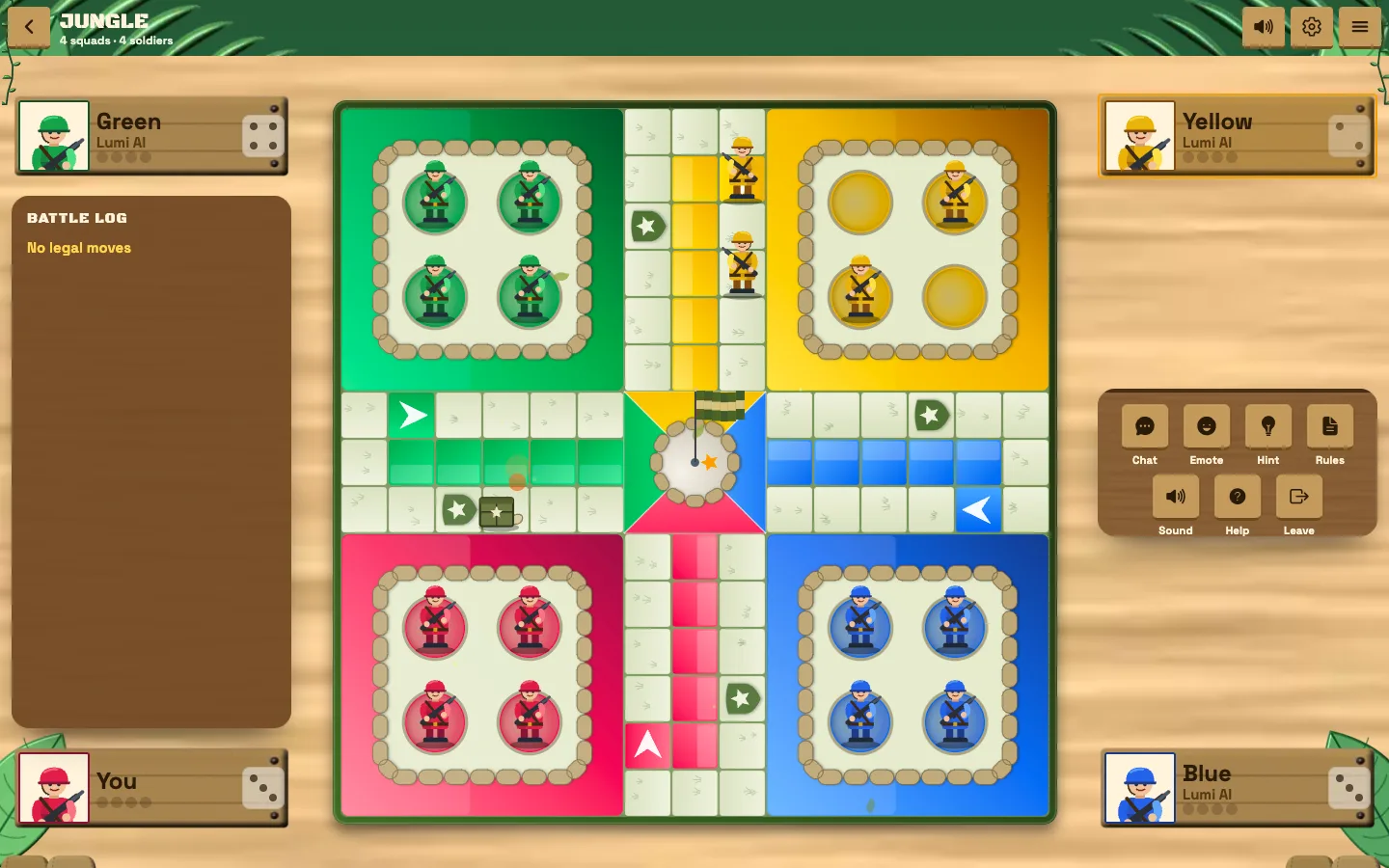
Ludo Fighters: Battle Board is Ludo with a fight in it. You roll, you move your squad around the board and you race to get everyone home, just like classic Ludo. The difference is what happens when one piece lands on another: instead of a pawn quietly going back to base, a short cartoon fight decides who stays.
If you have played Ludo before, you already know most of the game. This guide covers the parts that are new, the choices you make before a match and a few habits that will help you win your first games.
The game is free to play on iPhone, Android and in your browser at play.ludofighters.com, so you can follow along on whatever device is nearest.
The basics in one minute
Each player controls a squad of cartoon fighters in place of pawns. You take turns rolling the die and moving your fighters along the track toward home. The first player to bring their whole squad home wins.
Everything familiar from Ludo is still there: the race, the dice, the risk of sitting too close to a rival. If you want a refresher on the classic game, read Ludo rules explained first, then come back here.
Choose how you want to play
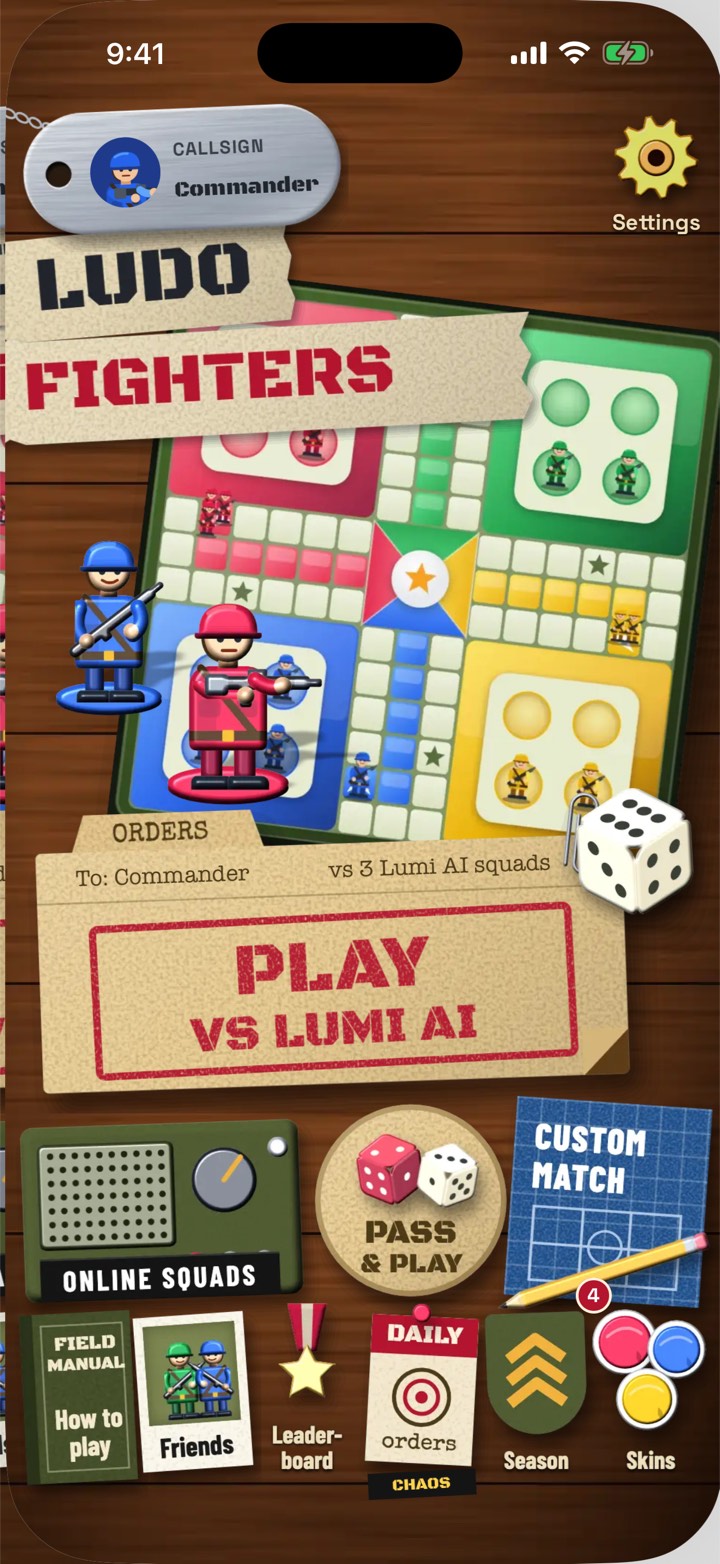
From the home screen you can pick one of three ways to play.
| Mode | Best for |
|---|---|
| Against Lumi AI | Learning the game, quick solo matches |
| Pass and play | Friends or family sharing one device |
| Online squads | Playing with friends on their own phones |
There is also a custom match option if you want to set up the game your way.
Pass and play is the easiest way to learn with friends in the same room. Hand the device to whoever's turn it is, and everyone watches the fights unfold on one screen. Online squads come into their own once you know the game and want to play with friends who are somewhere else. As a beginner, start with Lumi AI. You can take your time, learn how fights play out and try different strategies without anyone waiting on you.
Pick your squads and battlefield
Ludo Fighters supports 2 to 6 squads on one board. Four squads is the classic Ludo layout. Six squads uses a bigger six-house board, which is busier and full of fights. For your first match, four squads is a good starting point.
There are six battlefields, from jungle to volcano, with others such as snowfield and desert in between. Each board has its own look, but the core race is the same, so pick whichever you like the look of.
How capture fights work
This is the heart of the game. When one of your fighters lands on a rival's fighter, the capture becomes a short, readable duel right on the board. The fight decides who stays.
Several things shape those fights:
- Five weapons give the duels variety.
- Shield stars are part of your defence. One chaos card, Open Season, knocks shield stars down for a round, which tells you how much they matter.
- Optional landmines can be switched on for extra danger on the board.
Landmines are optional, so if you want a gentler first game, leave them off. Turn them on once you are comfortable and want more surprises. The combat is cartoon fighting with no blood, so it suits a wide range of players.
For deeper tactics on fights, read our capture fight tips.
Chaos cards
From time to time, a chaos card shakes up the round. Open Season, for example, takes shield stars down for that round, so everyone is more exposed. Chaos cards are a good reminder that a lead in Ludo Fighters is never fully safe, and that a player who is behind always has a way back.
When a chaos card appears, pause and read it. A card that leaves everyone exposed is a good moment to attack, and a bad moment to leave a fighter sitting right in front of a rival.
Choose your Lumi AI opponent
Lumi AI is the computer opponent in Ludo Fighters, and it comes with five personalities, from Rookie to Commander. Each one has its own way of hunting your squads.
Start with Rookie while you learn. Once you are winning comfortably, move up a step. Climbing the ladder is the best way to improve, because each personality pushes you to think a little further ahead. Lumi AI plays by the same rules as you, on the same board, with the same dice.
Make the game your own
The kit room is where you choose scenery, board and dice styles. It does not change the rules, but it makes the game feel like yours. Ludo Fighters is free to play, and more features open up as you level up, so the more you play, the more you have to choose from.
Five tips for your first matches
- Get more than one fighter out early. Options protect you when the dice are unkind.
- Do not park right in front of a rival. Anything within reach of their next roll is at risk.
- Read every chaos card. It can change what is safe for a whole round.
- Pick your fights. Not every capture is worth the risk of leaving a fighter exposed.
- Move up through Lumi AI slowly. Beat each personality a few times before stepping up.
Ready to try it? Play Ludo Fighters free on your phone, or play in your browser without installing anything.
Frequently asked questions
Is Ludo Fighters free?
Yes. Ludo Fighters is free to play, and features open up as you level up.
How many players can play Ludo Fighters?
From 2 to 6 squads on one board. You can play solo against Lumi AI, pass one device around, or play online squads with friends.
Is the combat in Ludo Fighters violent?
It is cartoon combat with no blood. A capture becomes a short, readable duel with five weapons, shield stars and optional landmines.
Which Lumi AI personality should beginners pick?
Start with Rookie, the easiest of the five personalities, and move up toward Commander as you start winning.