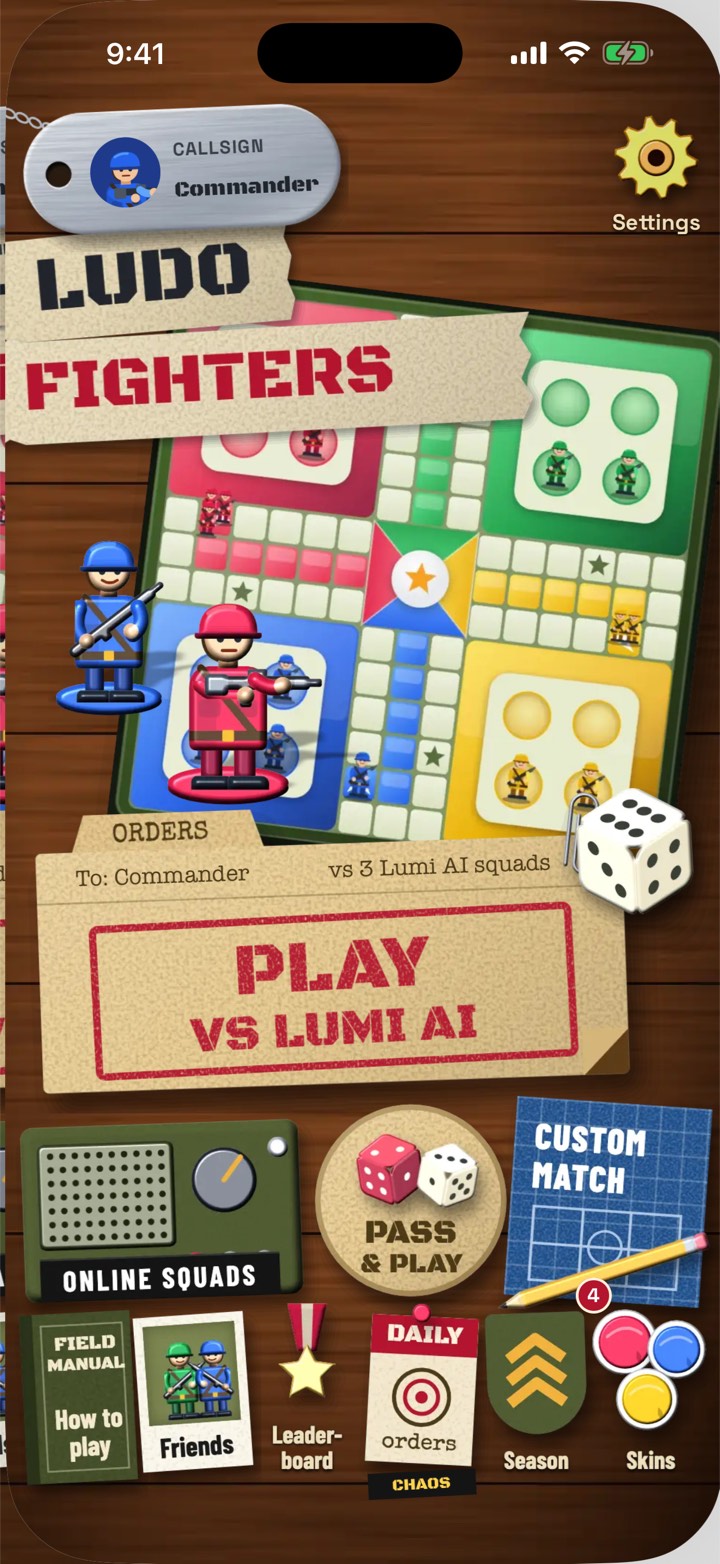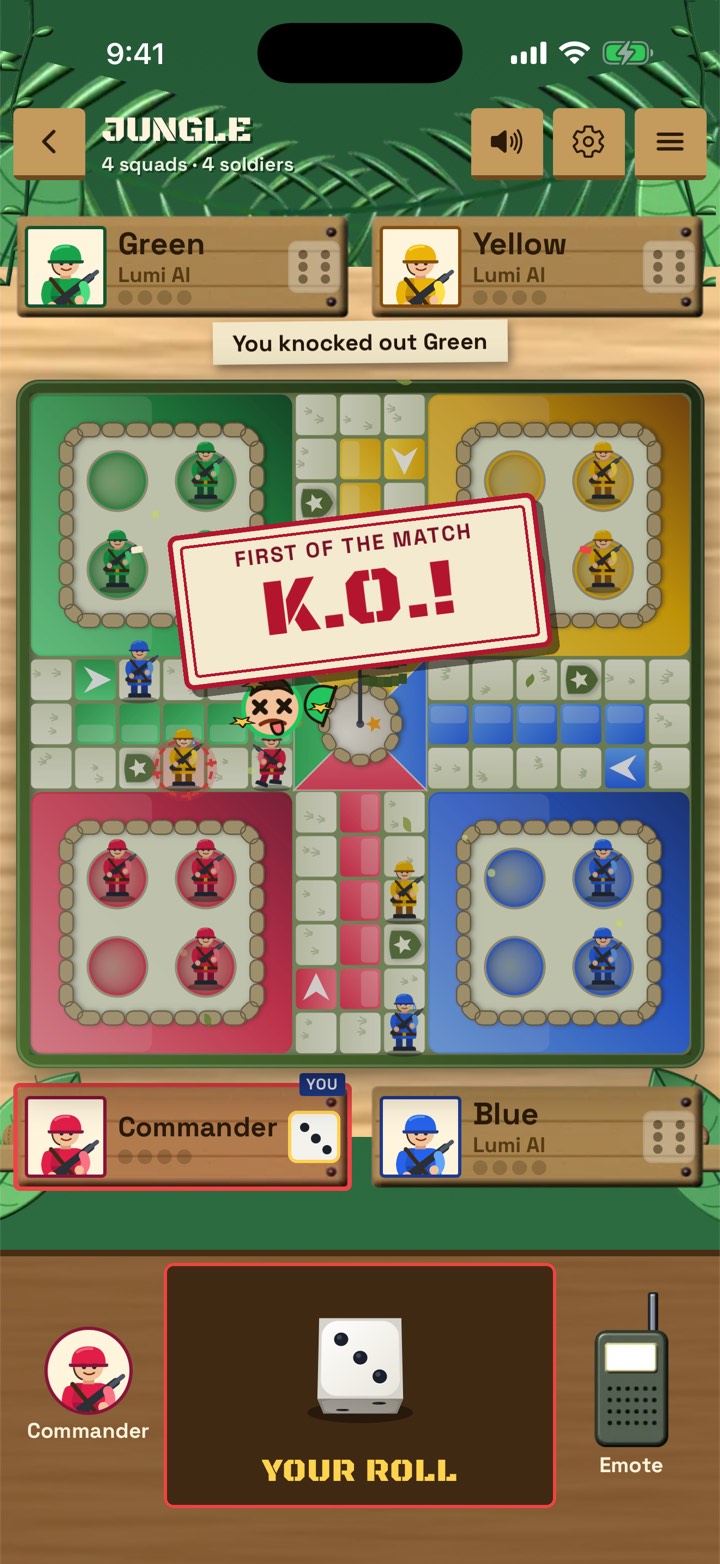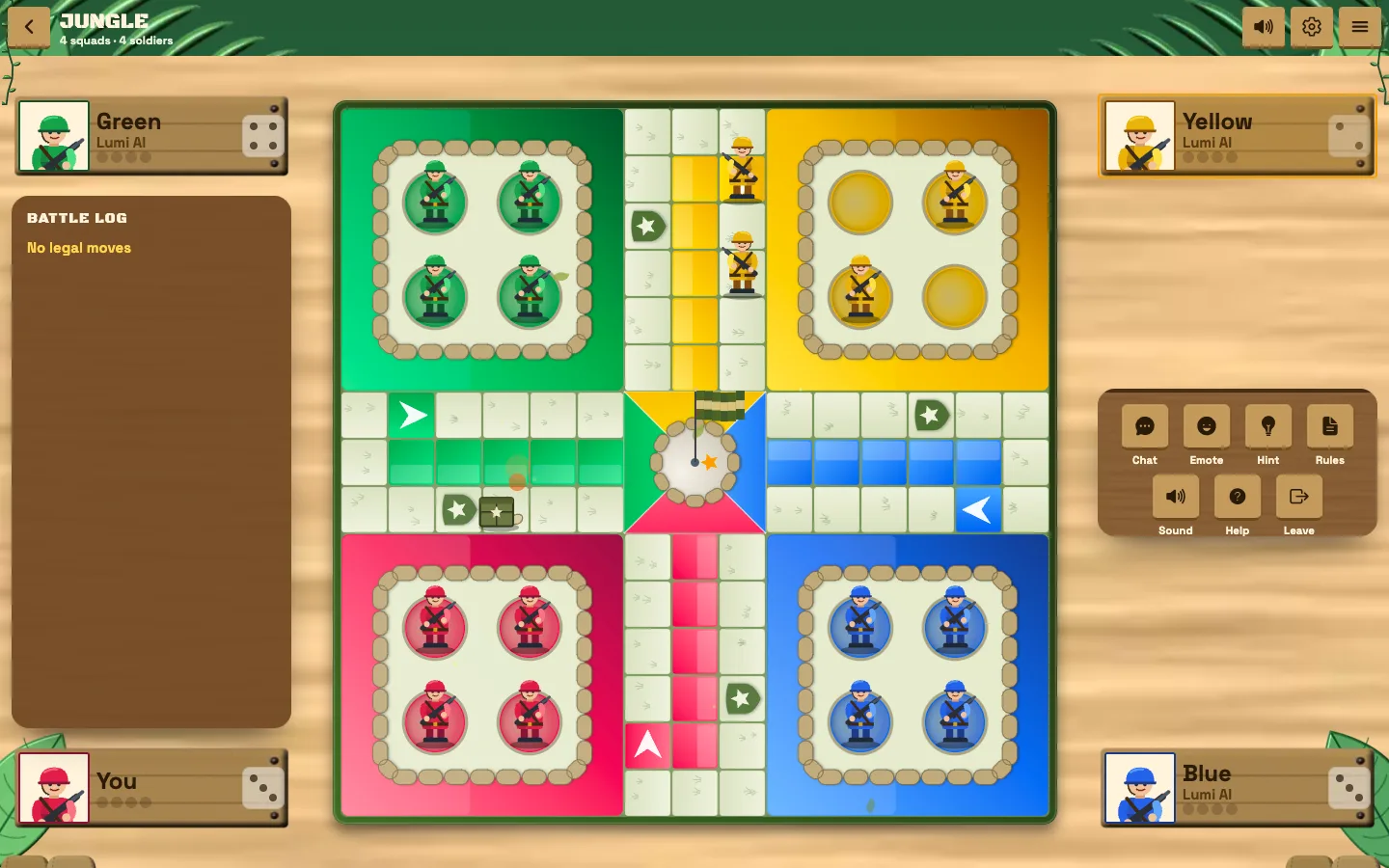
You can play Ludo Fighters free in your web browser at play.ludofighters.com. There is nothing to download or install: open the link on a laptop, desktop, tablet or phone, and you are on the battle board in moments.
The browser version is the same idea as the apps on iPhone and Android: Ludo where every capture starts a short cartoon fight, with 2 to 6 squads, six battlefields and Lumi AI as your opponent. It is the quickest way to try the game, or to play on a computer at home.
Here is how to get started, what you can do in the browser, and when it makes sense to get the app instead.
How to start playing
Getting into a match takes a few steps.
- Open your browser and go to play.ludofighters.com.
- Choose how you want to play from the home screen.
- Pick your squads and a battlefield.
- Roll the die and start racing your squad home.
There is no store, no install and nothing taking up space on your device. If you close the tab, you can come back to the same link any time.
Why play in the browser
The browser version suits plenty of situations.
- Trying the game first. See if you like it before installing anything.
- Playing on a computer. A big screen shows the whole board clearly, and a mouse makes moves precise.
- Shared or work devices. Play without adding an app to a device that is not yours.
- Short on storage. Nothing to download means nothing to clear space for.
- Sharing a link. Send play.ludofighters.com to a friend and they can join in without a trip to the app store.
We think the web is a great home for games like this, and we explain why on our web games page.
The three ways to play
Ludo Fighters offers three ways to play, so you can always find a match.
| Mode | How it works |
|---|---|
| Against Lumi AI | Play solo against the computer opponent |
| Pass and play | Share one device and take turns |
| Online squads | Play with friends on their own devices |
Pass and play works especially well on a laptop on the kitchen table, where the whole family can see the board. Online squads let friends join from wherever they are.
What you get on the board
The heart of the game is the same everywhere. You move your squad around the board and race to get everyone home. When one piece lands on another, a short, readable duel decides who stays.
- 2 to 6 squads, from classic four-player Ludo to a busy six-house board.
- Six battlefields, from jungle to volcano.
- Five weapons, shield stars and optional landmines that shape every capture fight.
- Cartoon combat with no blood, so it suits a wide range of players.
If you are new, our Ludo Fighters beginner's guide explains each of these in more detail.
Playing against Lumi AI in the browser
Lumi AI is the computer opponent in every LacNova game. In Ludo Fighters it has five personalities, from Rookie to Commander, each with its own way of hunting your squads.
That makes the browser a handy place for a quick solo game during a break. Start with Rookie and work your way up. Lumi AI plays by the same rules, on the same board and with the same dice as you.
Tips for the best browser experience
A few simple steps make the browser version run at its best.
- Use an up-to-date browser. Current versions of the major browsers give the smoothest play.
- Close heavy tabs if the game feels slow on an older computer.
- Use full screen on a laptop to see the board at its biggest.
- Turn off battery saver on a phone or laptop if animations feel choppy.
- Keep a steady connection for online squads, since online results are decided on our servers.
If something does not look right, refreshing the page usually sorts it out.
Playing with a group around one screen
The browser is a natural fit for game nights. Put a laptop in the middle of the table or connect it to a bigger screen, choose Pass and play, and take turns at the keyboard or trackpad. Everyone can see every roll and every capture fight, which makes the cartoon duels part of the fun for the whole room. With 2 to 6 squads, there is space for a bigger group than classic Ludo usually allows.
Browser or app: which should you choose?
Both are free to play, and the game at the centre is the same. The right choice depends on how you play.
| Choose the browser if | Choose the app if |
|---|---|
| You want to try the game right now | You play often on your phone |
| You are on a laptop or desktop | You want an icon on your home screen |
| You do not want to install anything | You want the game ready with one tap |
| You are on a shared device | You like playing on the go |
Plenty of players use both: the browser on a computer at home, and the app on their phone when they are out. The apps are on the App Store and Google Play, and you can find links on the Ludo Fighters page.
Ready to play? Open play.ludofighters.com in your browser now, or visit the Ludo Fighters page for the iPhone and Android apps.
Frequently asked questions
Can I play Ludo Fighters without downloading it?
Yes. Play free in your browser at play.ludofighters.com, with nothing to install.
Is the browser version of Ludo Fighters free?
Yes. Ludo Fighters is free to play in the browser, on iPhone and on Android.
Can I play online with friends in the browser?
Yes. Online squads let you play with friends on their own devices, and you can also play Pass and play on one device or solo against Lumi AI.
Does Ludo Fighters work on a laptop?
Yes. Open play.ludofighters.com in an up-to-date browser on your laptop or desktop and play on the big screen.