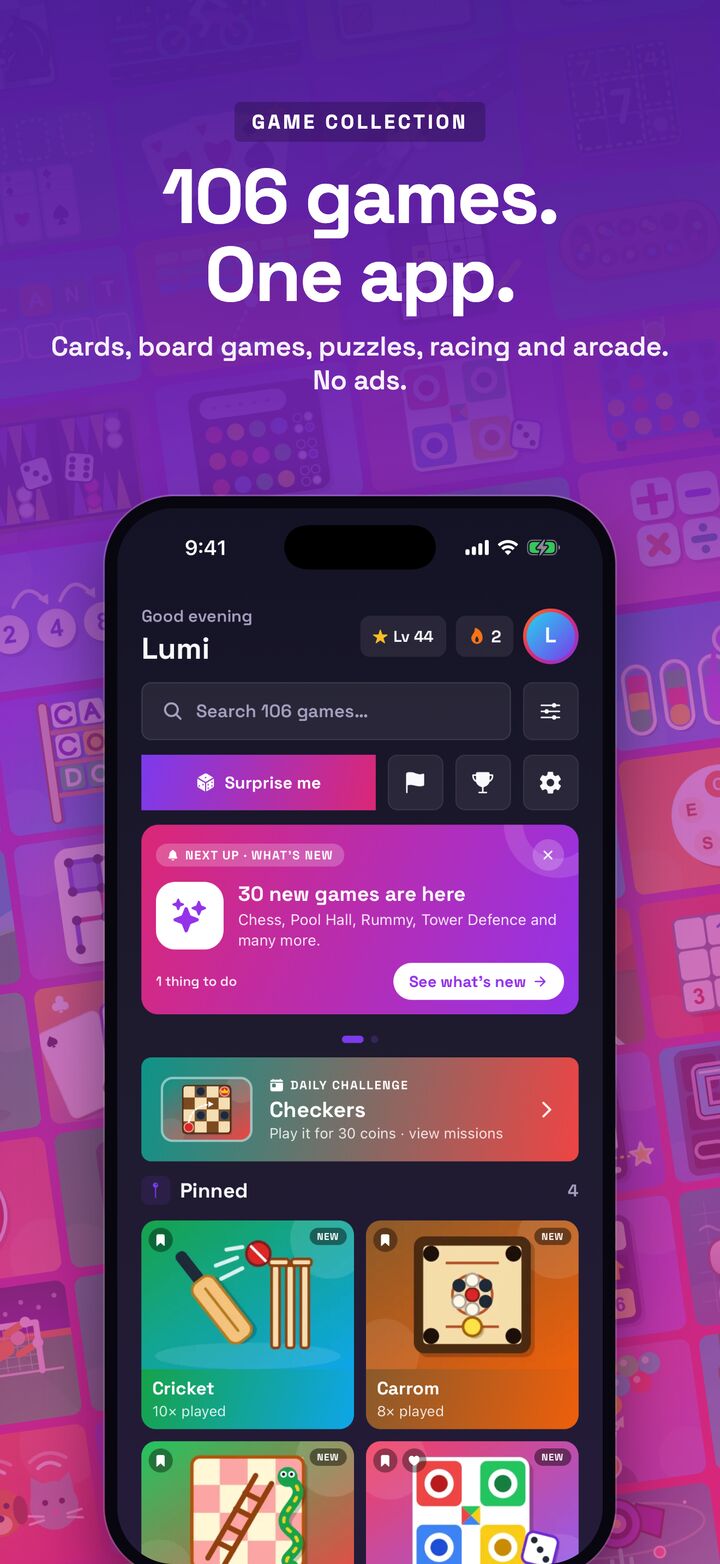
Game Collection is one app with 106 games across 13 categories, from chess and rummy to racing, tower defence and daily word games. It has no ads and nothing to buy, and every solo game plays offline. You can get it on the App Store and Google Play for iPhone, iPad and Android phones.
The idea is simple. Instead of filling your phone with a dozen separate game apps, each with its own ads and pop-ups, you get one calm app with a game for every mood. Coins, XP and stars are there for fun, and they cannot be bought.
This guide walks through what is inside, how to find your way around and a few good places to start.
What is inside
The 106 games span a wide range of styles. Among them you will find:
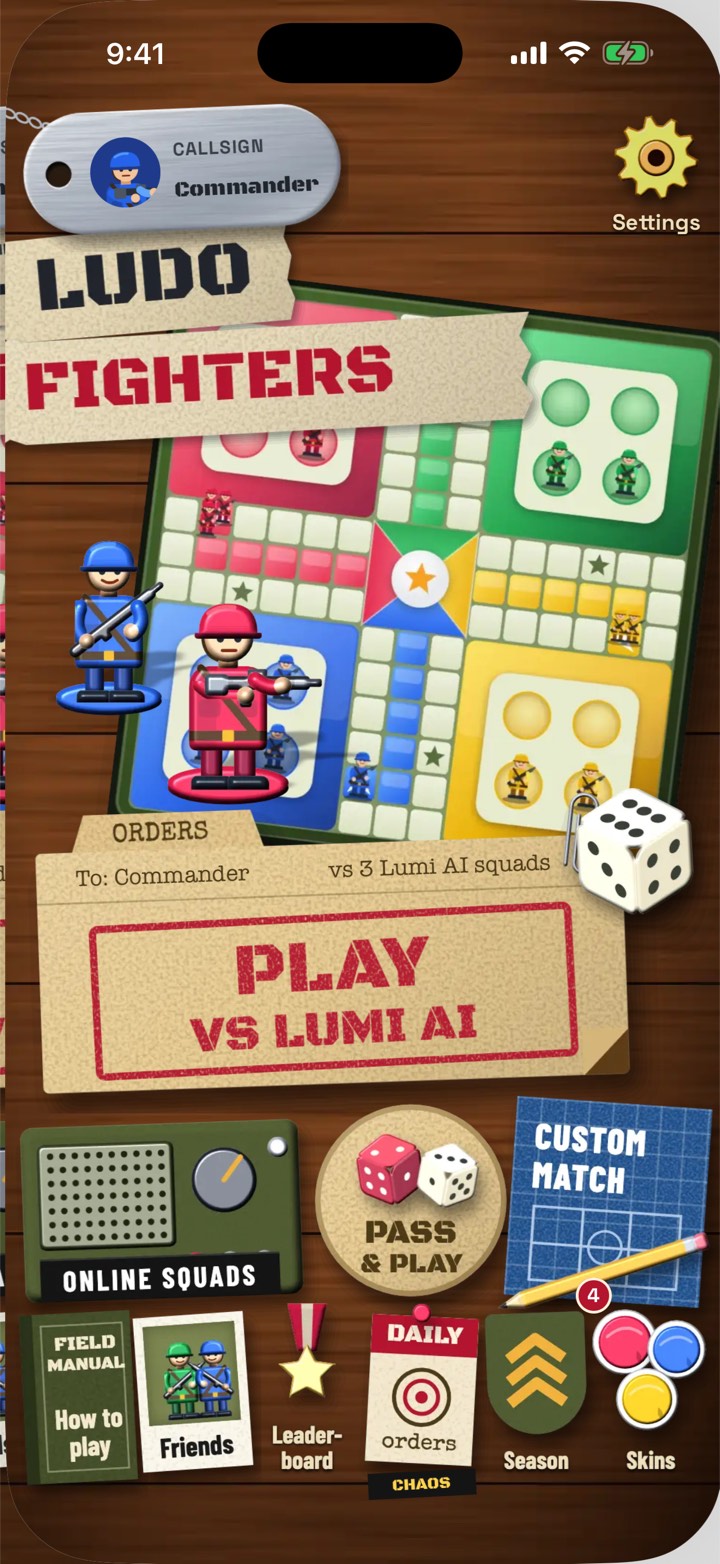
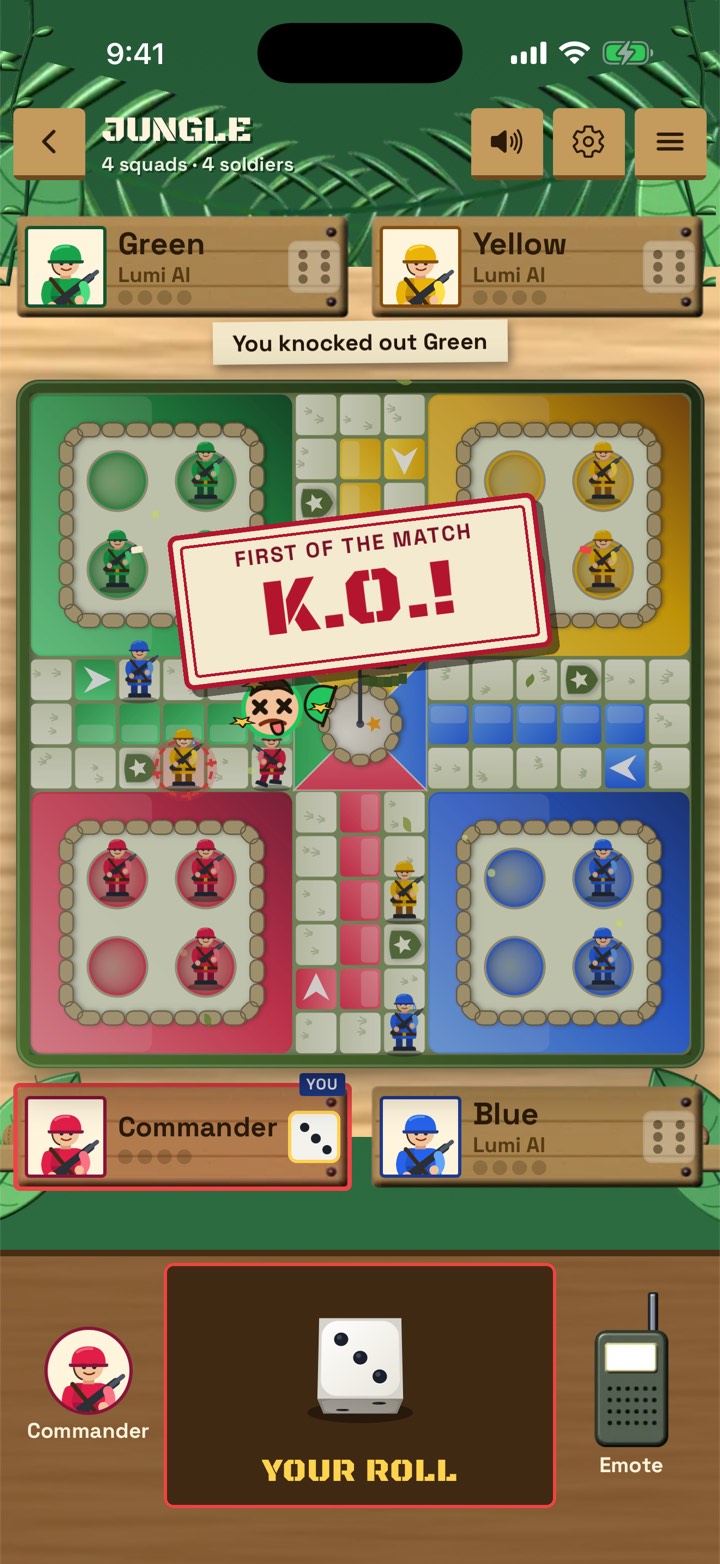
- Board games: chess, Ludo, carrom, backgammon and Bagh Chal.
- Card games: solitaire, rummy, spades and hearts.
- Puzzles: sudoku, mahjong and Bridges.
- Word games: word search and daily word games.
- Sports: cricket, penalty shoot-outs, archery and pool.
- Racing: Apex Moto and Drift.
- Arcade: Orbit Blaster, Bubble Shooter and tower defence.
Every cover is drawn in-house, so the whole collection has one consistent look rather than feeling like a pile of unrelated apps.
No ads and nothing to buy
Game Collection was designed without ads and without anything to buy. There are no videos to sit through between rounds, no pop-up offers and no shop for coins.
You still earn coins, XP and stars as you play. They are there to show your progress and give you goals, and you cannot buy them. Everyone earns them the same way: by playing.
That makes the app a calm place to spend a few minutes, and a sensible choice for families who do not want children tapping into purchases or seeing ads. We explain the thinking behind this in designing a game app without ads.
Offline first
Every solo game in Game Collection plays without a connection. That means you can play on a flight, on a train through a tunnel, in a queue with weak signal or anywhere you want to save data.
When you do want company, online Ludo lets you play with friends. The rest of the time, the app does not need the internet at all. Our article on why offline games still matter explains why we built it this way.
Playing against Lumi AI
Many of the board, card and sports games let you play against Lumi AI, the computer opponent in every LacNova game. In Game Collection, you choose how hard it plays, from easy to hard.
A good way to use it:
- Start on easy while you learn a new game.
- Move up once you are winning most games.
- Use hard mode when you want a real test.
Lumi AI plays by the same rules as you, on the same board, with the same cards or dice. It does not peek at your hand or bend the rules.
Reasons to come back every day
Game Collection gives you small goals that make each visit feel worthwhile.
| Feature | What it gives you |
|---|---|
| Daily challenge | A fresh puzzle or game to tackle each day |
| Missions | Short goals to work toward |
| Streaks | A reason to play a little every day |
| Achievements | Milestones to collect as you improve |
| Leaderboards | A way to see how you compare |
None of these are needed to enjoy the games. They are there if you like having something to aim for.
Where to start
With 106 games, the choice can feel big at first. Here are a few starting points depending on your mood.
- A quick break: solitaire, sudoku or Bubble Shooter.
- A thinking game: chess, backgammon or mahjong.
- Something with friends: online Ludo.
- A burst of action: Apex Moto, Drift or Orbit Blaster.
- A daily habit: the daily challenge and daily word games.
Try one game from a few different categories in your first week. Many players find a favourite they would never have downloaded on its own.
Good for families and shared devices
Because there are no ads and nothing to buy, Game Collection works well on a phone or tablet that gets passed around the house. A child can play a puzzle, a parent can play rummy and a grandparent can play carrom, all in the same app, without anyone stumbling into a shop screen or an advert.
The wide mix of games also means everyone can find something at their own pace. Some games are quick and relaxed, others reward careful thinking, and Lumi AI's levels let each player pick a challenge that feels fair. If you care about how games treat younger players, our children page sets out how we approach it.
Tips for getting the most from the app
- Install the app before you travel, so every solo game is ready offline.
- Set Lumi AI to easy when you try a new game, then step up.
- Check the daily challenge first when you open the app.
- Hand it to a child or grandparent without worrying about ads or purchases.
- Explore a new category whenever your favourite starts to feel familiar.
Game Collection is free on the App Store and Google Play. Find out more on the Game Collection page, and if you would like any of these games inside your own app or under your brand, see our license page.
Frequently asked questions
Does Game Collection have ads?
No. There are no ads and nothing to buy. Coins, XP and stars are for fun and cannot be bought.
Does Game Collection work offline?
Yes. Every solo game plays without a connection. Online Ludo is there when you want to play with friends.
How many games are in Game Collection?
There are 106 games across 13 categories, including chess, rummy, carrom, solitaire, sudoku, racing, tower defence and daily word games.
Which devices does Game Collection run on?
iPhone, iPad and Android phones, from the App Store and Google Play.